HubSpot Invalid Refresh Token: Causes, Fixes & Prevention
 Brenda Linhares - Partner & CMO
12 min read
Brenda Linhares - Partner & CMO
12 min read
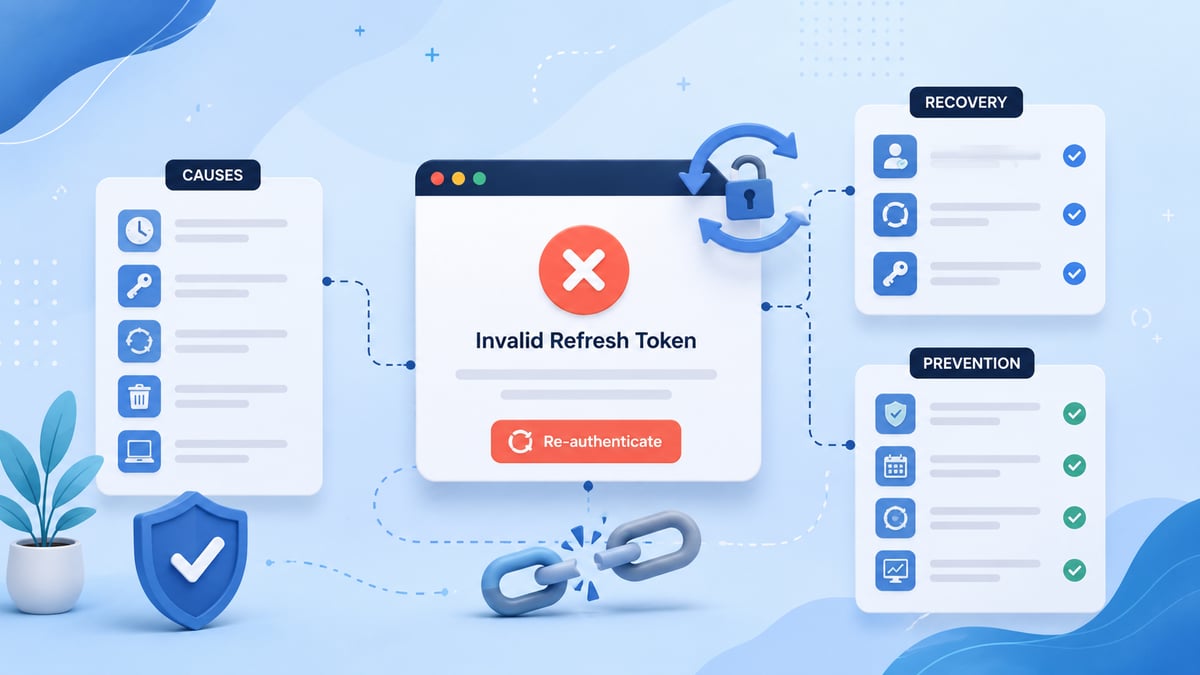
Quick answer: A HubSpot "invalid refresh token" error (
BAD_REFRESH_TOKEN/invalid_grant) means HubSpot has permanently revoked or no longer recognizes your OAuth refresh token — usually because the user uninstalled your app, access was revoked, your client credentials don't match, or your app stored a stale token. The token cannot be revived. The only fix is sending the user back through the OAuth authorization flow to issue a new one. Prevention comes from atomic token storage, distributed locking on refreshes, uninstall webhooks, and monitoring refresh failure rates.
Your HubSpot integration was running fine for months — then every API call starts failing with a 400 error and the message refresh token is invalid, expired or revoked. The real work is understanding why it happened and building your integration so it degrades gracefully when it happens again. This guide covers what invalidates HubSpot refresh tokens, how to diagnose and recover from the error, and the production practices that prevent most occurrences.
Key takeaways
- HubSpot access tokens expire every 30 minutes; refresh tokens never expire on a schedule — they only die when something revokes them.
BAD_REFRESH_TOKENis terminal: retrying the same token will never succeed, and there is no API to restore it.- The most common cause is app uninstall or manual revocation; the most common self-inflicted causes are credential mismatches and race conditions that overwrite the current token.
- Recovery = re-run the OAuth authorization flow. Make reconnection a one-click product feature, not a support ticket.
- Roughly 1% of OAuth connections churn per month across the industry — treat occasional revocation as normal and design for it.
- Migrate to HubSpot's
2026-03OAuth endpoints; the v1 OAuth API is scheduled for deprecation on February 16, 2027.
What does the HubSpot invalid refresh token error look like?
When you call HubSpot's token endpoint (POST /oauth/v1/token, or POST /oauth/2026-03/token on the latest API version) with a grant_type=refresh_token request and the token is no longer valid, HubSpot returns an HTTP 400 with a body like:
json
{ "status": "BAD_REFRESH_TOKEN", "message": "refresh token is invalid, expired or revoked", "error": "invalid_grant" }Two things matter here. First, invalid_grant is the standard RFC 6749 OAuth error — this is not a transient failure, and retrying with the same token will never succeed. Second, HubSpot's own OAuth tokens guide confirms the token is terminally dead: invalid, expired, or revoked all lead to the same recovery path.
Quick refresher on the token model: HubSpot access tokens expire 30 minutes after being issued (a change announced by HubSpot that reduced the old 6-hour lifetime), while refresh tokens are long-lived and have no scheduled expiration. So when a refresh token dies, it's almost always because something revoked it — not because it timed out on a calendar.
What causes an invalid HubSpot refresh token? (7 causes)
At a glance — causes, how to detect them, and the fix:
| # | Cause | How to detect it | Fix |
|---|---|---|---|
| 1 | User uninstalled the app | Uninstall webhook fired; app missing from Connected Apps | Re-authorization by the user |
| 2 | Access revoked manually / user deactivated | No uninstall event, but token dead for one portal | Re-authorization by the user |
| 3 | Wrong client ID or secret | Errors start right after a deploy or credential rotation | Fix credentials; token often still valid |
| 4 | Race condition overwrote the token | Intermittent failures; concurrent refresh logs | Add distributed locking; then re-authorize |
| 5 | Scope changes | Errors after you changed requested scopes | Users re-authorize with new scopes |
| 6 | Malformed refresh request | Fails in app but works in Postman | Fix request format (body params, urlencoded) |
| 7 | Security-driven revocation | No user action; isolated cases (~1%/month) | Re-authorization by the user |
1. The user uninstalled your app
The most common cause by far. When a HubSpot user uninstalls your app from Settings → Integrations → Connected Apps, HubSpot immediately invalidates the refresh token for that installation. Nothing on your side changed — the grant itself is gone.
2. Access was revoked manually
Admins can revoke an app's access without a full uninstall, and super admin or user changes in the portal (a deactivated user, a removed seat for user-level tokens) can have the same effect. From your integration's perspective it looks identical to an uninstall.
3. Wrong client ID or client secret
A refresh token is bound to the app that issued it. If your refresh request carries a different client_id or client_secret — a rotated secret, a staging credential pointed at production tokens, or two apps sharing one token store — HubSpot rejects it as a bad refresh token even though the token itself is fine. This is the first thing to check when errors appear right after a deployment or credential rotation.
4. You lost the current token in a race condition
If multiple servers or workers refresh tokens for the same installation concurrently, one process can persist a token while another overwrites it with stale data. Your database ends up holding a token that no longer matches what HubSpot expects. Intermittent BAD_REFRESH_TOKEN errors with no user action — like the ones reported in this HubSpot Community thread — are frequently this failure mode, not HubSpot randomly revoking tokens.
5. Scope changes that require re-authorization
If you change the scopes your app requests after users installed it, existing grants may no longer match. Users need to go through authorization again to consent to the new scopes, and old tokens tied to the previous scope set can be invalidated in the process.
6. Malformed refresh requests
The token endpoint expects Content-Type: application/x-www-form-urlencoded with parameters in the request body. SDK quirks or hand-rolled requests that put parameters in the query string, double-encode the token, or drop a character during storage will read as an invalid token. Note that HubSpot's 2026-03 OAuth endpoints now require all parameters in the request body — which also keeps your client_secret out of server logs. If you're on the v1 endpoints, plan your migration: HubSpot has announced v1 of the OAuth API will be deprecated on February 16, 2027.
7. Security-driven revocation
A small baseline of revocations happens for reasons HubSpot doesn't itemize — security heuristics, password resets on the connected account, and similar events. Industry data from OAuth infrastructure providers puts natural refresh-token churn at roughly 1% of connections per month. Your architecture should treat occasional revocation as normal, not exceptional.
How do you fix a HubSpot BAD_REFRESH_TOKEN error? (5 steps)
Step 1 — Confirm the token is actually dead. Reproduce the refresh call outside your app (Postman or curl) with the exact stored token and your production credentials. If it succeeds there, your bug is in request formatting or credential configuration, not the token. This isolation step is the standard advice in HubSpot Community troubleshooting threads.
Step 2 — Check whether the app is still installed. Ask the customer (or check your uninstall webhook logs) whether the app still appears under Connected Apps in their portal. If it was uninstalled, the token can't come back — skip to step 4.
Step 3 — Audit your credentials and token store. Verify the client_id/client_secret pair matches the app that issued the token, and check your logs for concurrent refresh attempts around the time errors began. If you find a race, fix the locking before re-authorizing, or the problem will recur.
Step 4 — Re-run the OAuth flow. Send the user back through your install URL (https://app.hubspot.com/oauth/authorize?...). A new authorization code yields a fresh access token and refresh token. There is no API shortcut — revoked tokens cannot be restored.
Step 5 — Make reconnection a product feature, not a support ticket. Flag the affected account as disconnected in your system, pause queued API work for that portal, and surface a clear "Reconnect HubSpot" button plus an email notification. The integrations that feel reliable aren't the ones that never lose tokens — they're the ones where reconnection takes the user one click.
Not a developer? The email inbox version of this error
HubSpot users sometimes see "invalid refresh token" language when a connected Gmail or Outlook inbox disconnects — usually after a password change or a Google/Microsoft security event revokes HubSpot's access. The fix is the user-level equivalent of re-authorization: go to Settings → General → Email, remove the stale connection, and reconnect the inbox. No API work required.
How do you prevent invalid refresh tokens in production?
You can't prevent users from uninstalling your app, but you can eliminate the self-inflicted causes — which in our experience are the majority of recurring cases.
Maintain a single source of truth for tokens. One encrypted record per installation, keyed by portal ID. Every successful refresh must atomically update both the access token and, if HubSpot returns one, the refresh token. Never let two environments (staging/production) or two services share write access to the same token rows.
Serialize refreshes with a distributed lock. Before refreshing, acquire a lock per portal (Redis SET NX EX works well, with a 10–30 second timeout). Concurrent workers wait and then read the fresh token instead of racing. HubSpot's own guide on production-ready OAuth token management walks through this pattern in detail.
Refresh proactively, using expires_in. Don't hardcode the 30-minute lifetime — read expires_in from the token response and refresh a few minutes early, with a 401-triggered refresh as fallback. Hardcoded lifetimes are exactly what broke integrations when HubSpot shortened access token expiry.
Subscribe to uninstall webhooks. When a portal uninstalls your app, mark the installation dead immediately instead of discovering it through a wall of failed API calls. If you're building on webhooks, our guide to HubSpot webhooks — signatures, idempotency, and dead-letter queues covers how to make those handlers production-safe.
Monitor refresh failures as a first-class metric. Track refresh success rate per app and alert when failures exceed a small threshold — HubSpot's own OAuth token management guide lists a token refresh failure rate above 5% as an alerting trigger. A spike usually means a credential rotation went wrong or a race was introduced — catching it in minutes instead of days is the difference between one reconnect and hundreds.
Handle the error where you call the API. Every HubSpot API call path — including custom code actions in workflows, where token handling has its own constraints — should distinguish invalid_grant (stop, mark disconnected, request re-auth) from 429/5xx (back off and retry). Retrying a dead refresh token just burns rate limit and muddies your logs.
Why this matters beyond the error message
An invalid refresh token is rarely just an engineering annoyance. If your HubSpot integration feeds routing, reporting, or automation, a silently disconnected portal means missed leads and stale dashboards — a revenue operations problem wearing a developer error's clothes. Treating integration health as part of your RevOps discipline, with owned metrics and alerting, is what keeps a one-click reconnect from becoming a quarter-end data crisis.
If you'd rather not own that plumbing at all, that's exactly the kind of work a RevOps-as-a-Service partner takes off your plate — from OAuth hygiene to the dashboards that prove your HubSpot data can be trusted.
Frequently asked questions
What does "refresh token is invalid, expired or revoked" mean in HubSpot?
It means HubSpot no longer recognizes the refresh token your app presented — most often because the user uninstalled the app or revoked access, your credentials don't match the issuing app, or your stored token is stale. The token cannot be reactivated; the user must re-authorize your app.
Do HubSpot refresh tokens expire?
Not on a schedule. HubSpot access tokens expire 30 minutes after issuance, but refresh tokens remain valid indefinitely until something revokes them: app uninstall, manual revocation, scope changes, or security events on the connected account.
How do I fix a BAD_REFRESH_TOKEN error?
First verify the failure with a direct Postman/curl request using your exact stored token and production client_id/client_secret. If the token is truly revoked, redirect the user through your OAuth install URL to generate new tokens, then update your token store. There is no endpoint to restore a revoked refresh token.
Why does my refresh token become invalid when nobody uninstalled the app?
The usual culprits are a race condition (concurrent refreshes overwriting each other's tokens), mismatched or rotated client credentials, or a malformed refresh request. A small percentage of tokens are also revoked by security events like password resets — around 1% of connections per month is normal churn.
Can I get a new HubSpot refresh token without user interaction?
No. Issuing a new refresh token requires the user to complete the OAuth authorization flow again. The best you can do is make re-authorization frictionless: detect invalid_grant, pause syncs for that portal, and give the user a one-click reconnect path.
How long do HubSpot access tokens last?
HubSpot access tokens expire 30 minutes after being generated. Your integration should read the expires_in value from each token response and refresh proactively a few minutes before expiry, rather than hardcoding the lifetime.
What is the difference between a HubSpot access token and a refresh token?
The access token is the short-lived credential (30 minutes) sent with every API request. The refresh token is the long-lived credential your app stores securely and exchanges at HubSpot's token endpoint for new access tokens — it is never sent with regular API calls.
Does uninstalling a HubSpot app invalidate its tokens?
Yes. Uninstalling an app immediately invalidates the refresh token for that installation. Previously issued access tokens may survive until their 30-minute expiry, but no new ones can be generated, so the integration is effectively disconnected.
Which HubSpot OAuth endpoint should I use in 2026?
Use the versioned endpoint POST https://api.hubapi.com/oauth/2026-03/token, which requires all parameters in the request body (keeping your client secret out of server logs) and adds a token introspection endpoint. HubSpot has announced the legacy v1 OAuth API will be deprecated on February 16, 2027.
Ready to take your operation to the next level?
Talk to a specialist and see how we can help.