
CRM Migration Services · Diamond HubSpot Partner
CRM Migration to HubSpot, Without the Drama.
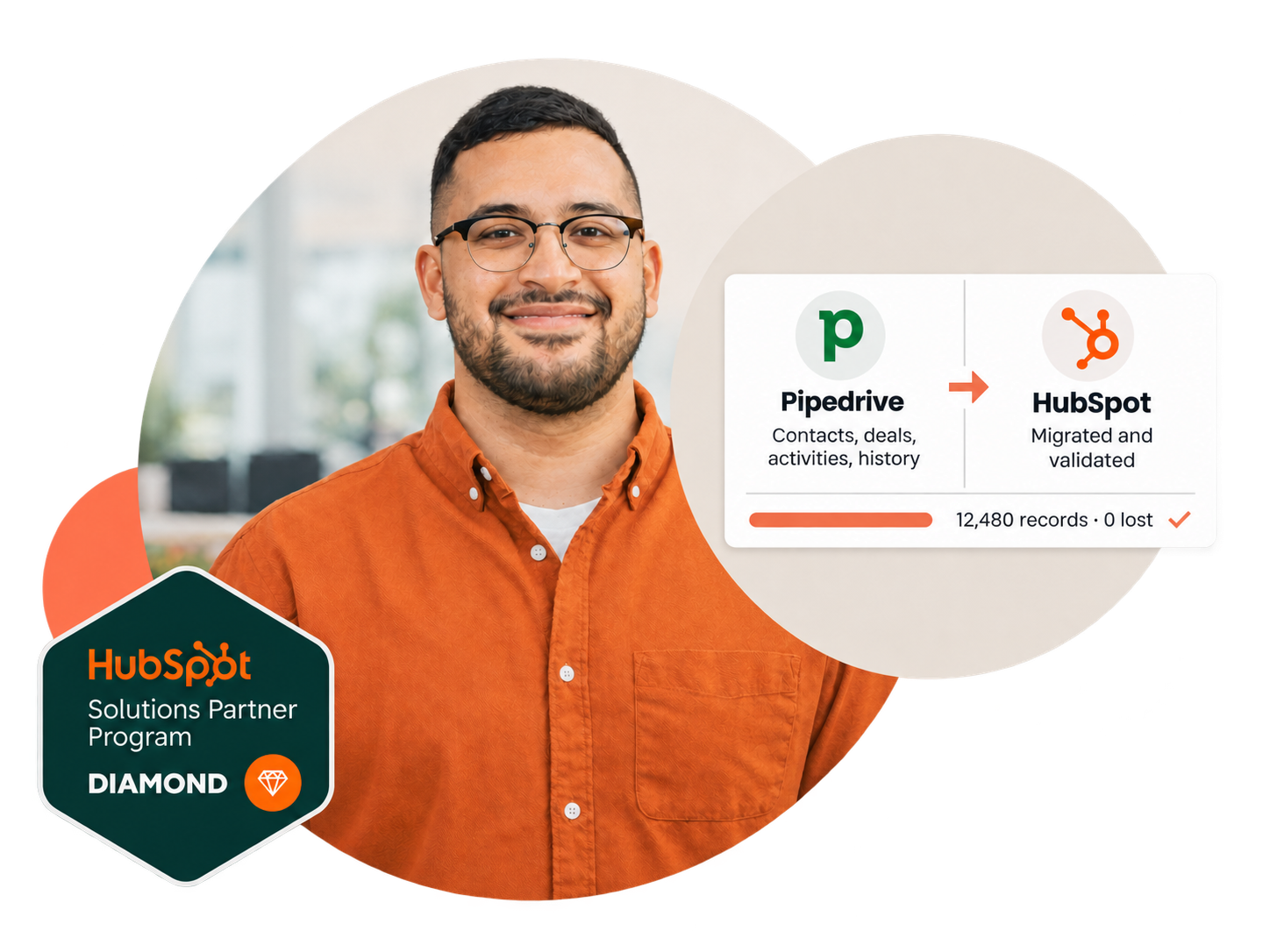
We move your data, custom objects, workflows and reports to HubSpot with zero loss and no downtime for your team.
Sound familiar?
Most migrations fail before the data moves.
Not in the export. In the mapping nobody did, the week the sales team couldn't work, and the mess that came along for the ride.
-
01
Lost history
Activities, emails and notes that never made it across.
How we prevent itEvery object and activity type mapped and counted before the move, then reconciled against the source.
-
02
A week with no CRM
Reps can't sell while the data is in transit.
How we prevent itA test migration first, then a cutover window measured in hours, not days, with the old CRM still readable.
-
03
Old mess, new portal
Duplicates and dead fields migrated exactly as they were.
How we prevent itDeduplication, normalisation and a fresh data model before import, so HubSpot starts clean.
Source systems
Whatever you're leaving, we've moved it before.
Each CRM, and each spreadsheet, has its own traps. Here is what changes depending on where your data lives today.
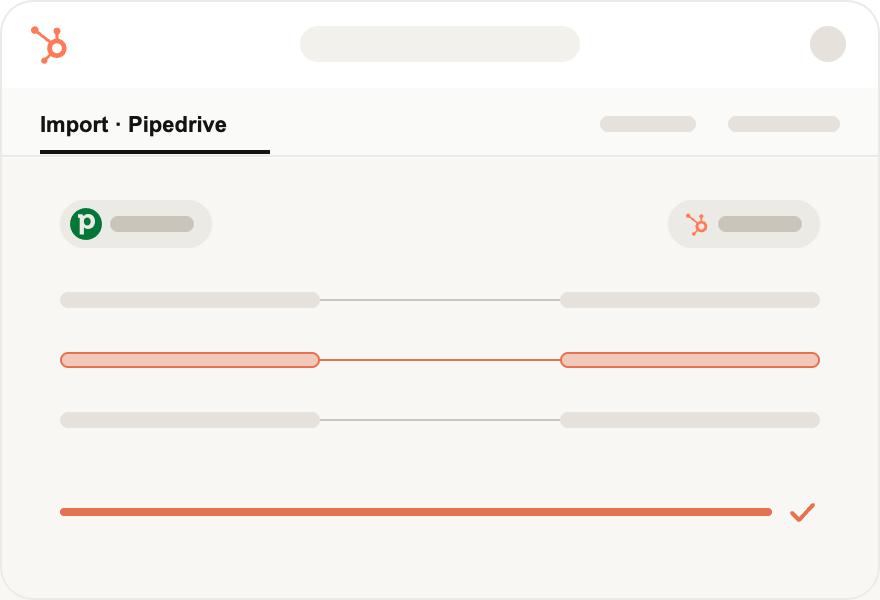
Pipedrive to HubSpot
The move we make most often.
- Pipelines and stages mapped one to one
- Activities and notes kept on the timeline
- Custom fields become typed HubSpot properties
Salesforce to HubSpot
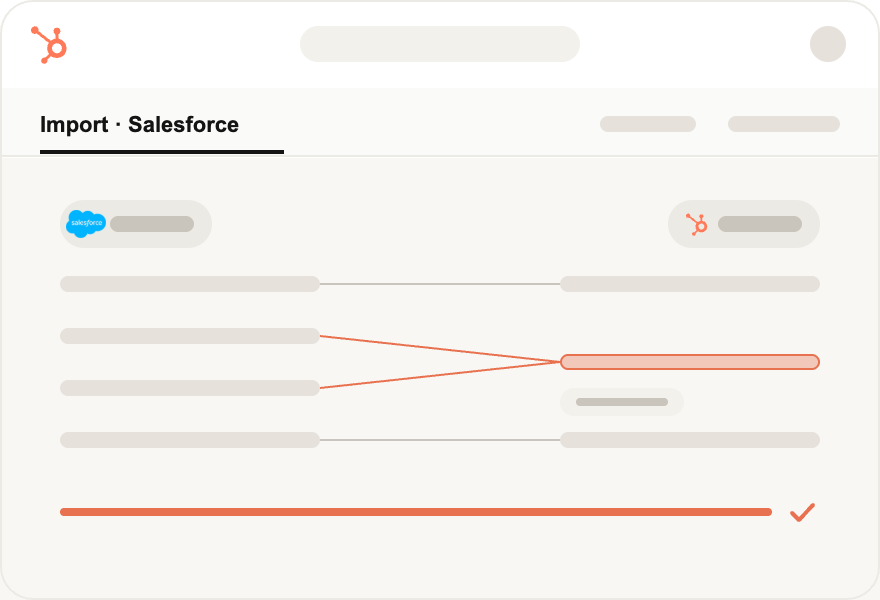
Redesigned for HubSpot, not copied.
- Custom objects and record types rebuilt on the Smart CRM
- Flows and Process Builder translated to workflows
- Opportunities, cases and campaigns migrated with history
Microsoft Dynamics to HubSpot
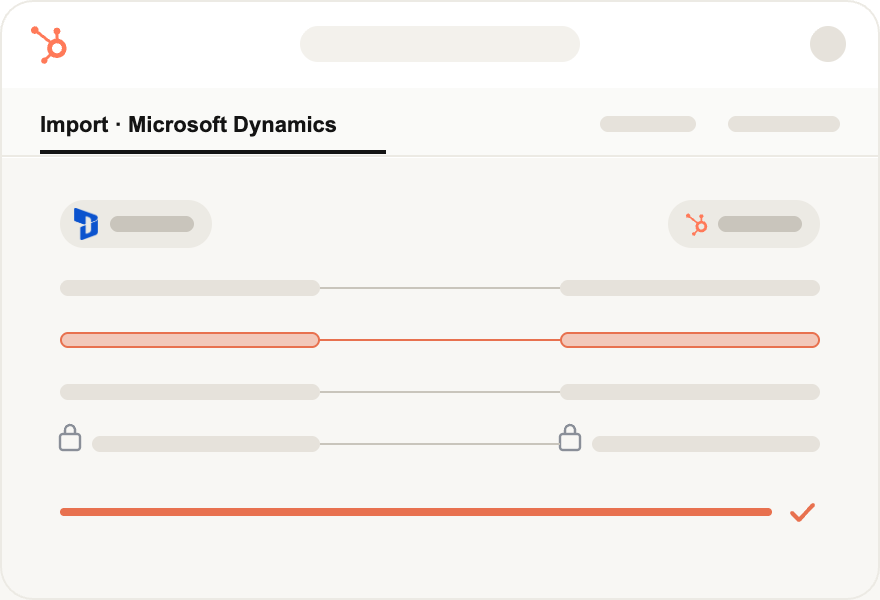
Entities and relationships, rebuilt clean.
- Entities mapped to objects and associations
- Security roles translated to teams and permissions
- Activities and attachments preserved
Zoho CRM to HubSpot
Modules out, pipelines in.
- Modules mapped to standard and custom objects
- Blueprints rebuilt as pipelines and automation
- Email history and notes migrated
Spreadsheets & CSV to HubSpot
Structured before the first import.
- Deduplication and normalisation of every column
- A data model designed before anything is uploaded
- Historical deals reconstructed where the data allows
Another CRM to HubSpot
Same method, same validation.
- Freshsales, Monday, Copper, ActiveCampaign and others
- Full audit and mapping before the move
- Test migration, then cutover
The method
Mapped, tested, moved. In that order.
The data moves last. Everything before that is what keeps it from going wrong.
-
1
01 · Week 1
Audit and mapping
Every object, property, pipeline and activity type counted and mapped to a HubSpot data model designed for how you sell.
What you get: a mapping document and a record count per object.
-
2
02 · Week 1 to 2
Clean before you move
Deduplication, normalisation and dead-field cleanup on the source side, so nothing broken comes along.
What you get: a clean source export and a list of what was merged or dropped.
-
3
03 · Week 2
Test migration
A full migration into a sandbox portal, reconciled against the source record by record.
What you get: a reconciliation report and a sandbox your team can click through.
-
4
04 · Week 3
Validation with your team
Reps and managers check pipelines, history and reports before anything is final.
What you get: a sign-off checklist, fixes applied.
-
5
05 · Week 3 to 4
Cutover and go-live
Final delta migration in a window of hours, old CRM kept readable, tools reconnected.
What you get: a live portal, 0 lost, and your team selling the next morning.
Track record
Migrations that hold up.
-
150+
CRM migrations
-
300+
HubSpot implementations
-
13 yrs
On HubSpot
-
25
HubSpot certifications
-
5.0
Partner rating

-
“
“Extremely qualified professionals. We worked side by side with very positive results. Versatile, agile and up to date with best practices.”
MMalena Figueiredo
Senior Product Manager at eureciclo
-
“
“Excellence in strategy and full HubSpot implementation, far beyond simple configuration. A human, collaborative approach that delivers concrete results quickly.”
TTulio Ferreira
Head of Sales at Estuda
-
“
“It was a great experience. They helped us with everything from choosing the right plan to overcoming the challenges we faced and completing the onboarding process.”
FFelipe Dias
Head of Sales at Teachy.ai
-
“
“They navigate seamlessly between theory, practice and technical depth. Solutions that fit perfectly with our business needs. A truly hands-on company.”
RRaphael Santo
Head of Sales & Customer Success B2B at Quero Educação
-
“
“Technical knowledge, accountability and lots of experience. Implementing HubSpot with them was easy. Professionalism above the average. Highly recommend!”
HHari Aizemberg
Marketing Manager at Koper
-
“
“A partner with complete command of the platform. A year after implementation, the partnership and support remain at the highest level.”
PPedro Silva
Technology Manager at Tambasa
-
“
“Insight showed genuine interest in understanding our product and our challenges. The quality of automations and integrations made all the difference. A truly top-tier partner.”
LLucas Rocha
Co-founder at Data Facts
-
“
“Nothing but great feedback! My biggest regret? Not implementing a CRM sooner. Insight Sales made all the difference.”
FFabricio França Lima
CEO & Founder at Power Tuning
-
“
“Super proactive support. We solved our challenges and have been partners for 5 years! Exceeding expectations from day one.”
HHenrique Vieira
Managing Partner at Colonial Netimóveis
-
“
“Great experience, attentive and competent professionals. Highly recommend hiring them!”
PPedro Del Negro Tayer
GTM Data Engineering at Netlex
Common questions
CRM migrations, answered.
How long does a CRM migration to HubSpot take?
Most migrations take three to four weeks: audit and mapping, cleanup, a test migration, validation with your team, then cutover. Large portals with custom objects and automations to rebuild run six to eight. You get a scoped timeline after the data audit, before anything moves.
How much does a HubSpot migration cost?
Cost depends on complexity, not record count alone. A lightweight standard-object move is a fraction of a full migration with custom objects, integrations and automation to rebuild. We scope every migration individually and quote a fixed price after a free assessment, with no open-ended hourly billing.
Will I lose data during the migration?
No. We run an API-based migration with a pilot pass, field-level mapping, and record-by-record validation against your source CRM. Nothing is deleted from the source system during migration, so your original data stays intact until you've signed off on the result.
Which CRMs can you migrate to HubSpot?
We migrate to HubSpot from Salesforce, Pipedrive, Zoho, Microsoft Dynamics, Marketo, Freshsales, Zendesk, and from spreadsheets (CSV/Excel). If your system has an API or an export, we can map it into HubSpot, including custom objects and historical activity.
Can we keep Salesforce running during the transition?
Yes. Most teams run both systems in parallel during the transition. We schedule a delta sync to catch records created or changed after the initial migration, so nothing falls through the gap between kickoff and cutover, and you choose the cutover date.
Do workflows and automations get migrated?
Yes, both data and automation. Data alone doesn't make a working CRM. We rebuild your workflows, lead scoring, routing and notifications natively in HubSpot, redesigning them where HubSpot offers a cleaner pattern rather than copying legacy logic one-to-one.
Can you migrate custom objects and fields?
Yes. Custom objects, custom fields, associations and calculated fields are a core part of our migrations, not an add-on. We map each custom structure to the right HubSpot equivalent (custom objects, custom properties or calculated properties) and validate them in the pilot run.
How do you prevent duplicate records?
We deduplicate during mapping, before anything reaches HubSpot. Records are matched on configurable keys (email, domain, external IDs), merged by rules you approve, and verified in the pilot migration. HubSpot's native deduplication handles the long tail after go-live.
Will there be downtime during the switch?
No. Your current CRM keeps running throughout the migration and your team keeps working; the API-based transfer happens in the background. The switch itself is a controlled, scheduled cutover, followed by a delta sync to capture last-minute changes, so nobody stops selling.
Why migrate with a HubSpot Diamond Partner?
Diamond is a top tier in HubSpot's Solutions Partner Program, based on certified expertise and delivery track record. For your migration it means a certified team, proven playbooks from 150+ CRM migrations, and a direct escalation line to HubSpot if anything needs product-level support, so issues get solved in days, not weeks.
Do you train the team after the migration?
Yes. Every migration includes onboarding and enablement: role-based training sessions, documentation of the new setup, and a hypercare period after cutover. Adoption is the actual goal of a migration. A clean database nobody uses is a failed project.
Talk to us
Ready to move?
Tell us what you're migrating from and what has to survive the move. An engineer reads every message and replies with a scoped plan: data, timeline and price. No obligation.
Average reply time under 2 business hours.
All fields required